Video Door Phones
Smart Video Door Phone
See and speak to whoever's at the door on a touch-screen monitor, and let in the people you trust with a tap.
- Professional installation by our technicians
- Set up on your phone before we leave
- After-sales service and warranty support
A day at the door
- 9:30 am The bell rings. A glance at the touch screen shows it's the courier, and you tell them where to leave the parcel without opening the door.
- 12:15 pm Your maid arrives. You see her on the screen and tap Unlock (with an electric or smart lock fitted), so she's in without anyone walking to the door.
- 4:00 pm Your son taps his card on the door station and lets himself in after school (on models with a card reader).
- 6:42 pm An unexpected visitor. You see them clearly, take a snapshot and talk first, and only open the door if you want to.
- Night The door station camera has night vision, so you can see who's outside even when the porch is dark.
Everything on one screen
- Touch-screen monitor A large, bright colour screen inside the home. Tap to see the door, talk, unlock or take a snapshot.
- Two-way talk Speak to visitors clearly through the monitor, hands-free.
- Snapshots Save a picture of who came to the door, and look back at visitors later.
- More monitors Add extra monitors upstairs or in the bedroom, so you can answer the door from another room.
Simple and private
It's a wired system that works on its own, with no internet, no app and no Wi-Fi needed. Nothing goes to the cloud, so the video of your door stays inside your home, and it keeps working even when the internet is down.
The outdoor door station
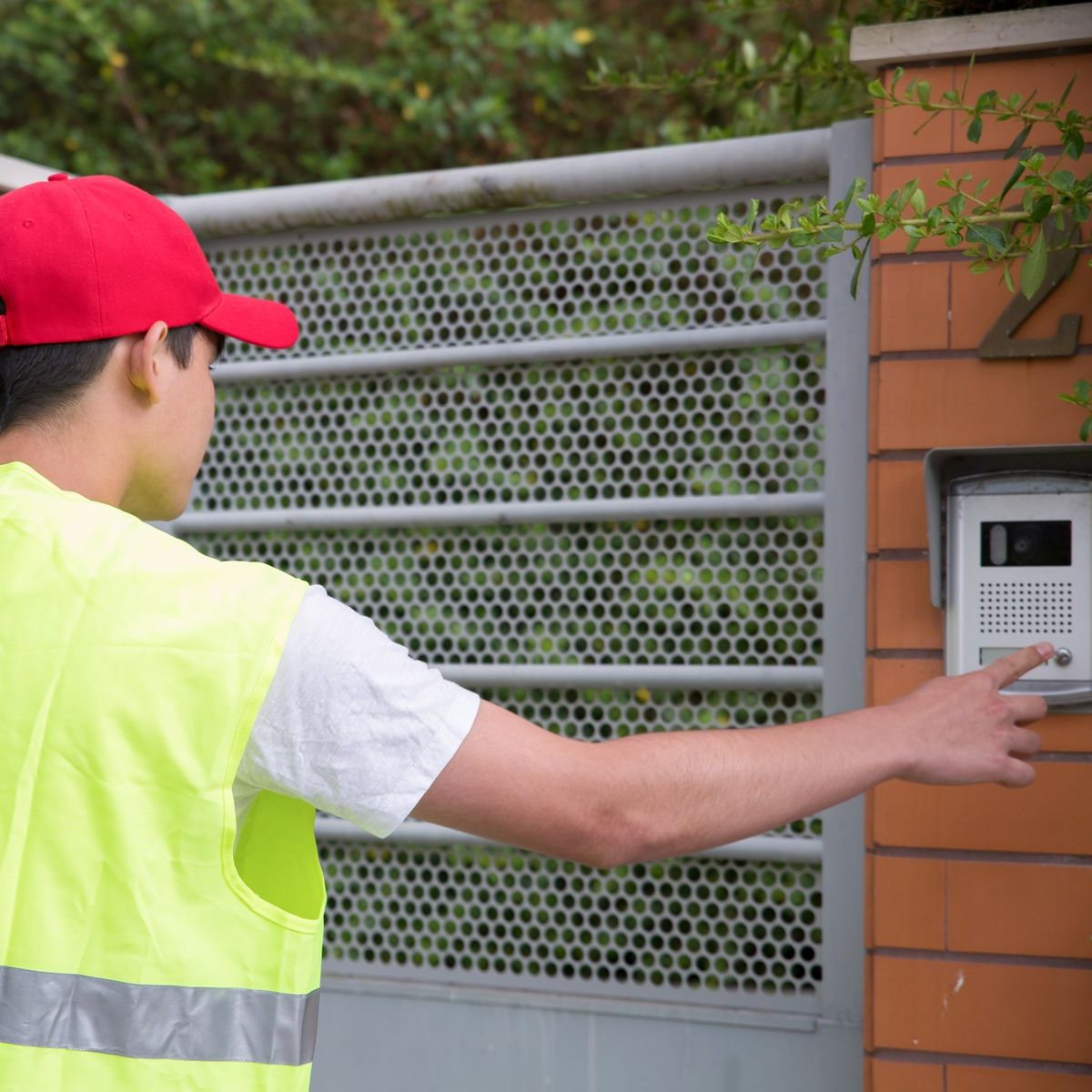
A slim, weather-resistant panel beside your door with a wide-angle camera, night vision, a call button and, on many models, a card reader for keyless entry.
Works with your lock
Pair it with an electric lock or one of our smart locks, and you can let people in straight from the monitor.
How we install it
- Site visit We check the door, the wall where the monitor will go and the cable route between them.
- Installation We run a neat, hidden cable, mount the door station and the monitor, and connect your lock.
- Set-up We set the ringtone and volume, register access cards and show the family how to use it.
Specifications
| Indoor monitor | Touch-screen colour display |
|---|---|
| Outdoor station | Camera with night vision, call button |
| Card access | RFID cards on supported models |
| Two-way talk | Yes |
| Unlock | From the monitor, with an electric or smart lock |
| Snapshots | Yes |
| Extra monitors | Yes |
| Connection | Wired, works without internet |
| Build | Weather-resistant outdoor station |
Specifications are a guide and can vary by model version. Ask us to confirm details for your door.